
Introduction
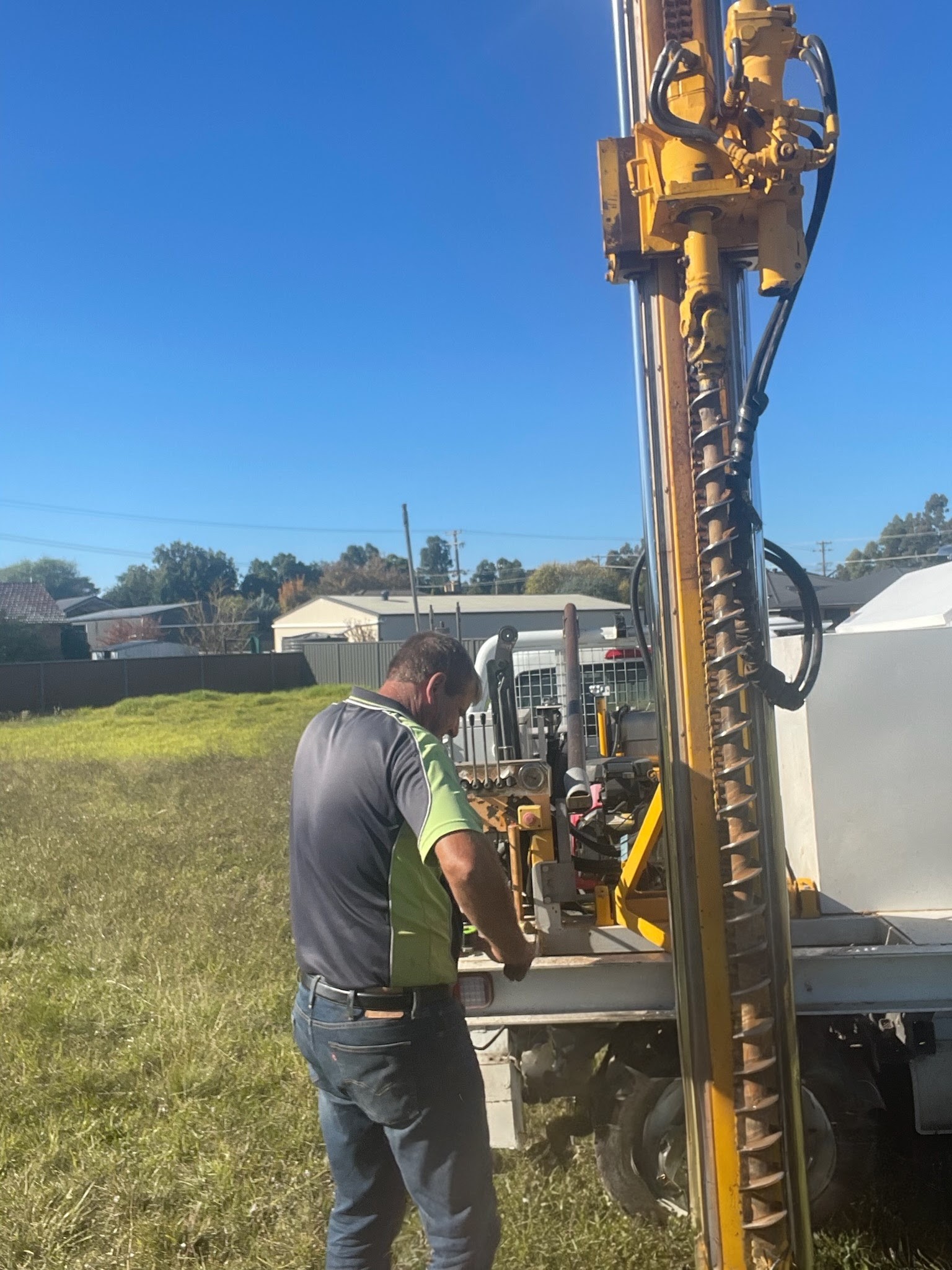
The King GeoTech Soil Test Reporting System is designed primarily for small drill rig operators working in the field. It allows you to enter all site and soil test data on location as the work is being carried out.
The app captures complete site information including street address, GPS coordinates, Lot/DP details, ecological and geographical data, wind ratings, and slope assessments. It supports photographs as required by most engineers and includes all soil types defined in the Australian Standards. You can attach site photos, draw or import site plans directly in the app, and take photographs of soil samples at specific depths. Most options are fully user-editable.
Professional PDF reports (full and brief versions) are generated and stored locally on the device. If an email address is configured, reports are sent automatically when an internet connection is available (or queued until connection is restored).
Subscription
This is a monthly subscription app. The current price is $50 AUD per month for a single license. Bulk licensing options are available for larger companies — please contact support for details. The first week is free, and the subscription is completely optional (“opt-in”).
Updates are delivered automatically through the App Store when auto-updates are enabled on your device.
Hardware and Software Recommendations
For best results in the field, we recommend using the app on a larger iPad (11-inch or 13-inch models). Smaller devices will feel crowded, especially in bright sunlight. The app supports iOS 15 and above, although iOS 17 or newer is preferred.
The app is available on the Apple App Store. It functions fully for one free week, including report generation. After the trial period, the monthly subscription begins. There is no limit on the number of reports you can create per license.
App Permissions
The app requires access to the camera, photo library, location services, and files. Some permissions are requested during installation; others appear the first time you use the relevant feature.
Reports and Email
We strongly recommend setting up an email client on the iPad (the built-in Apple Mail app works best). Reports can then be emailed directly from the app.
Important: Please change or remove the default email address in the app settings before use.
Note that Gmail and many free email services have a 25 MB attachment limit. Reports with multiple photos can exceed this limit, so a company email account is preferable when possible.
User Settings and Options
After installing the app, we recommend opening the iOS Settings app, locating “King GeoTech”, and configuring the options before your first job.
These settings are comma-separated lists and can be edited to match your engineer’s requirements. Use a plain text editor for easier formatting when making changes.
Using the App
Starting a New Job
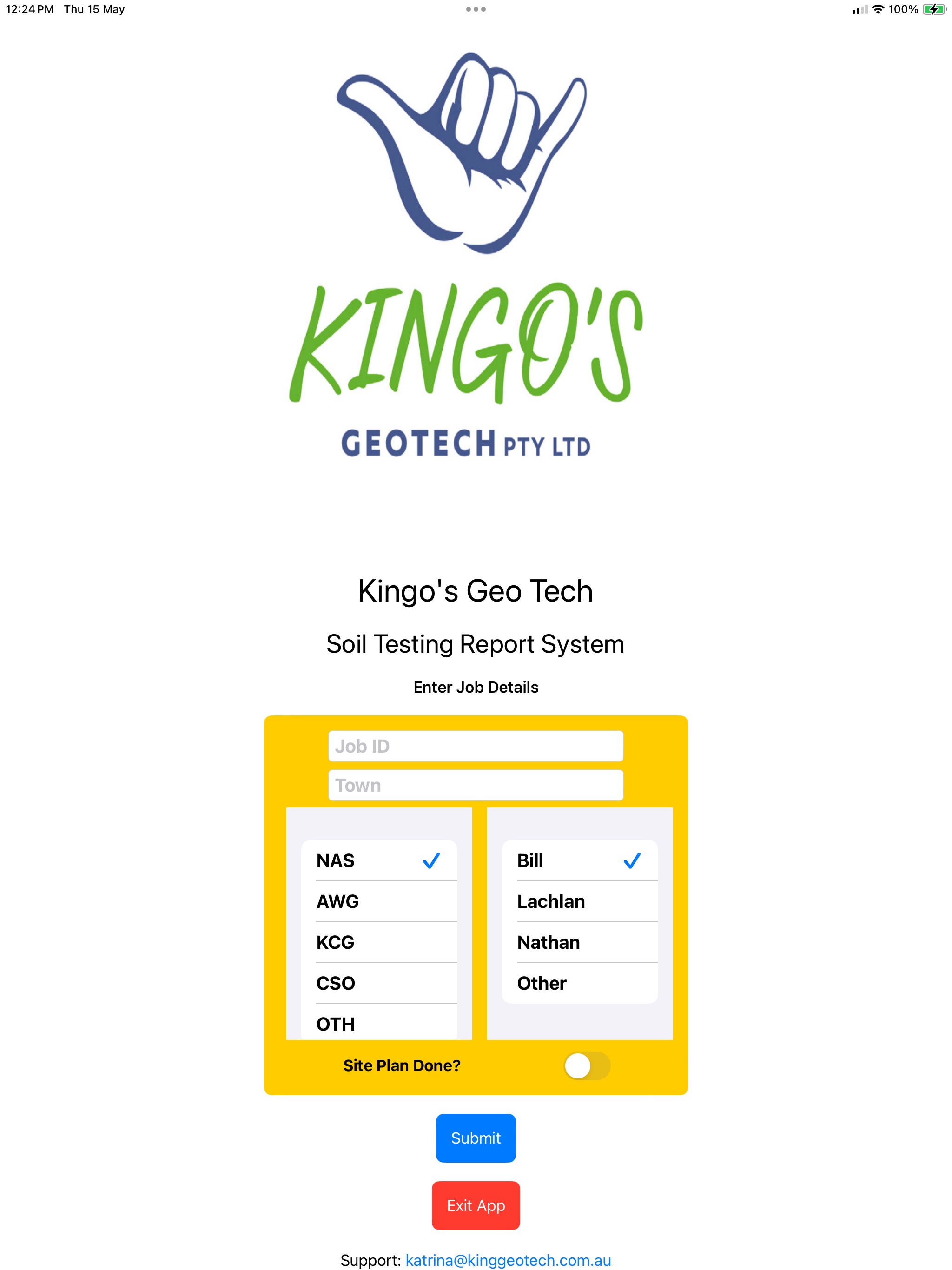
Enter a unique Job ID, select the town/suburb, contractor (3-letter code), and operator. Confirm the details carefully — they cannot be changed later.
Site Location and Properties
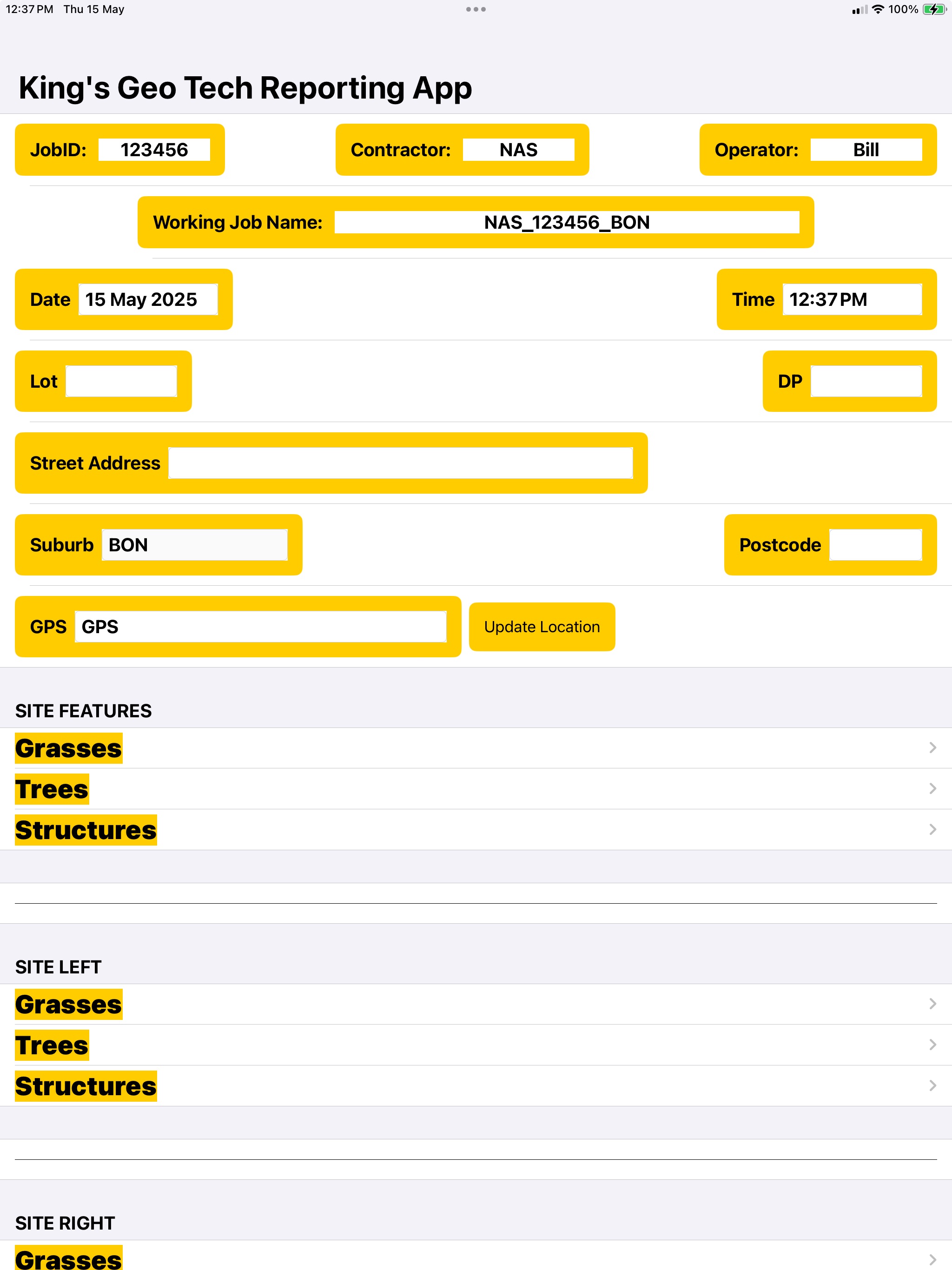
Fill in address details, GPS coordinates, vegetation, structures, slope, pad type, surface conditions, drainage, and wind rating according to Australian Standards. Add any additional site notes as free text.
Site Plan and Drawings
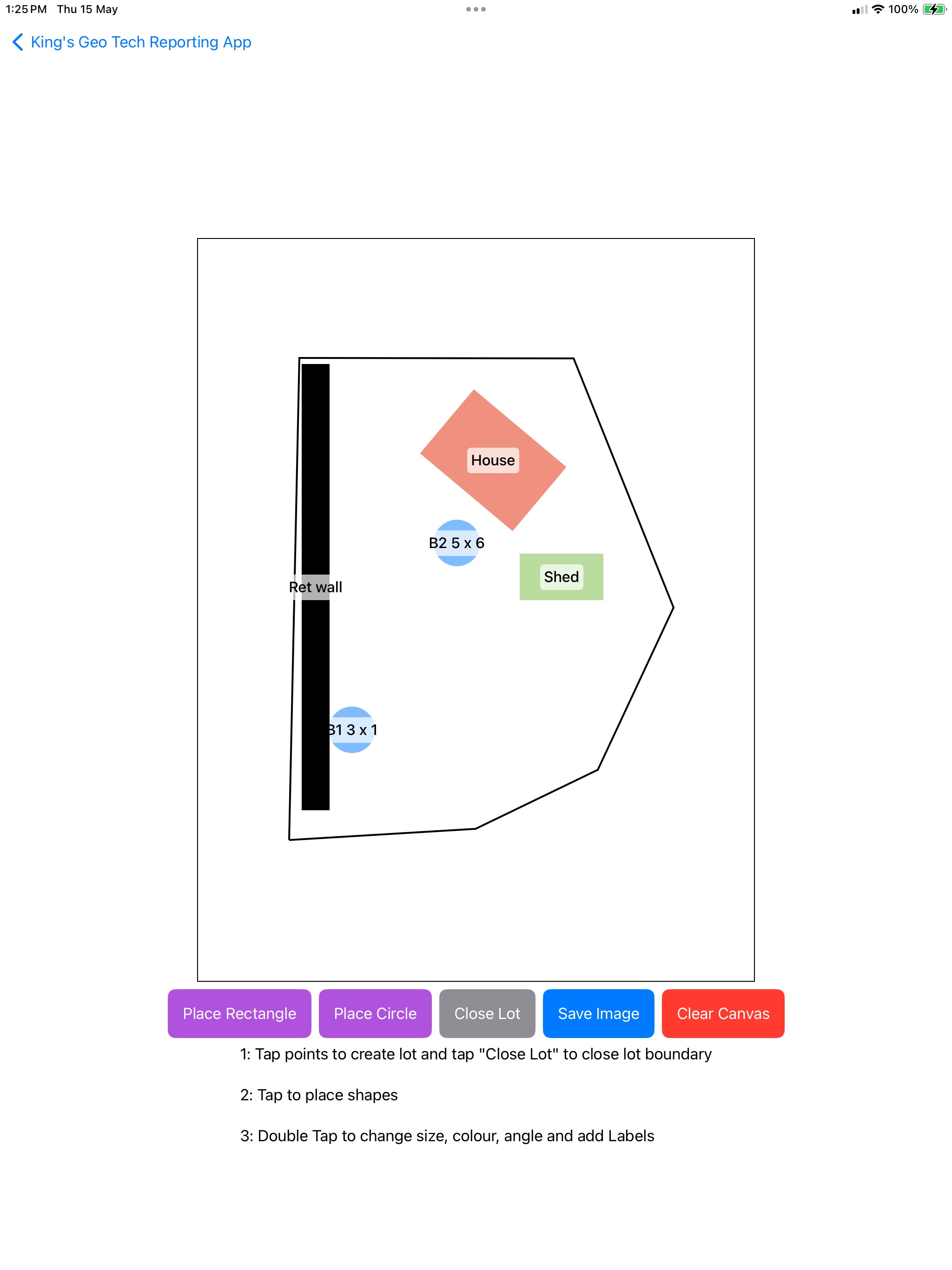
You can import an existing photo of a site plan, take a new photo, or draw a simplified plan directly in the app. The drawing tool lets you outline the lot and mark structures and bore locations.
Bore Logging
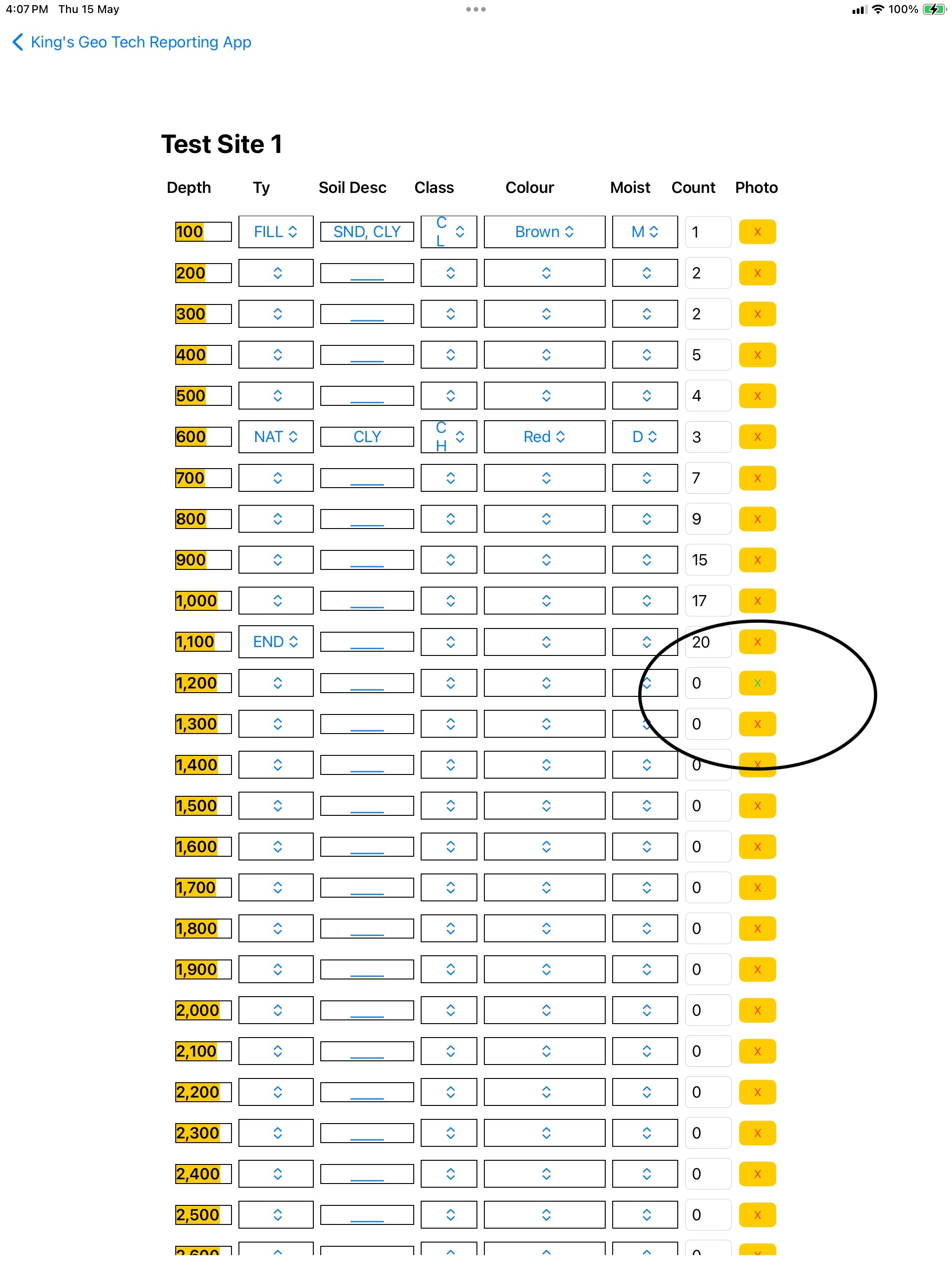
For each bore, record soil type, description, class, moisture, colour, and SPT blow counts at 100 mm intervals. You can attach a photo at any depth where the soil changes significantly.
Australian Standard Soil Classification
The table below shows the standard classification criteria for Australian soils. It is provided for reference and remains unchanged for technical accuracy.
|
COARSE-GRAINED SOILS More than half the material (by weight) is individual grains visible to the naked eye |
GRAVELLY SOILS More than half of coarse fraction is larger than 4.75 mm |
CLEAN GRAVELS Will not leave a stain on a wet palm |
Substantial amounts of all grain particle sizes |
GW |
|||||
|
Predominantly one size or range of sizes with some intermediate sizes missing |
GP |
||||||||
|
DIRTY GRAVELS Will leave a stain on a wet palm |
Non-plastic fines (to identify, see ML below) |
GM |
|||||||
|
Plastic fines (to identify, see CL below) |
GC |
||||||||
|
SANDY SOILS More than half of coarse fraction is smaller than 4.75 mm |
CLEAN SANDS Will not leave a stain on a wet palm |
Wide range in grain size and substantial amounts of all grain particle sizes. |
SW |
||||||
|
Predominantly one size or a range of sizes with some intermediate sizes missing |
SP |
||||||||
|
DIRTY SANDS Will leave a stain on a wet palm |
Non-plastic fines (to identify, see ML below) |
SM |
|||||||
|
Plastic fines (to identify, see CL below) |
SC |
||||||||
|
FINE-GRAINED SOILS More than half the material (by weight) is individual grains not visible to the naked eye (<0.074 mm) |
Ribbon |
Liquid Limit |
Dry Crushing Strength |
Dilatancy Reaction |
Toughness |
Stickiness |
|||
|
None |
<50 |
None to Sight |
Rapid |
Low |
None |
ML |
|||
|
Weak |
<50 |
Medium to High |
None to Very Slow |
Medium to High |
Medium |
CL |
|||
|
Strong |
>50 |
Slight to Medium |
Slow to None |
Medium |
Low |
MH |
|||
|
Very Strong |
>50 |
High to Very High |
None |
High |
Very High |
CH |
|||
|
HIGHLY ORGANIC SOILS |
Readily identified by colour, odour, spongy feel and frequently by fibrous texture |
OL OH Pt |
|||||||
On mobile devices, scroll the table horizontally to view all columns.
Save and Reload Data
You can save your work at any time. When reloading a saved file, ensure the current settings for number of bores and bore depth match those used when the file was saved. The backup filename includes this information for compatibility.
Support
This is the first major version of the app. While we have tested it extensively, issues may arise in different field conditions. If you experience a problem, enable Debugging level 2 in the settings. A log file will be saved in the Reports folder. Please send this log file along with your saved data file to support@njenkins.com.au. We will investigate and release an update as quickly as possible.
Thank you for choosing King GeoTech.
— The team at King Geo Tech Pty Ltd